
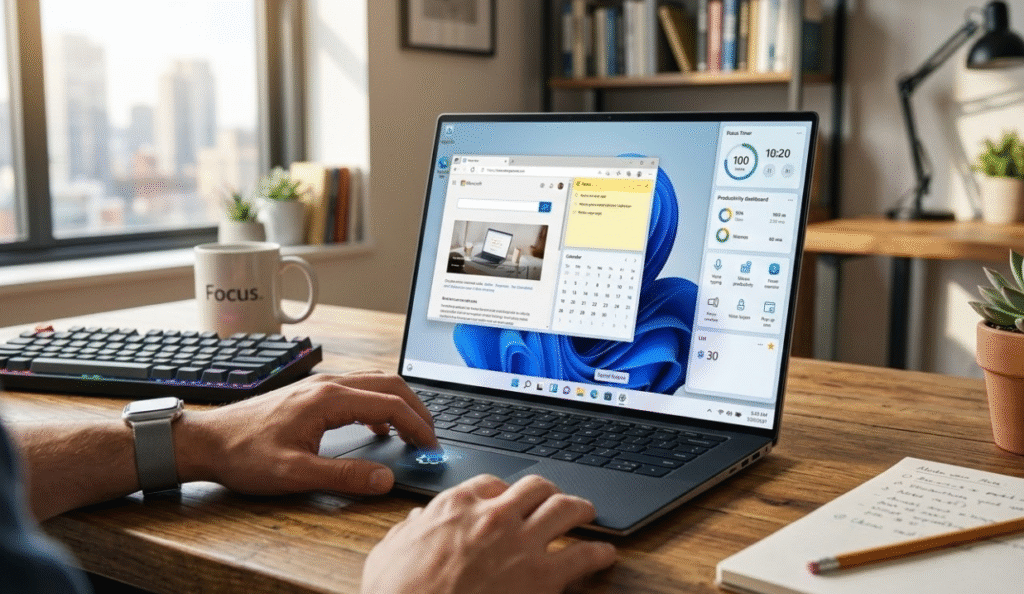
The ability to personalize the interface with ease is one of the initial latent advantages of windows 11. In case you do not like the centred Start menu, you can simply drag it back to the left hand side with a few clicks.
Themes, colors, and layouts can also be customized to fit in your workflow. The time and clutter can be saved by customizing the Start menu to display the most used apps or folders. Such minor changes might not seem much, but they help to make everyday navigation easier and more convenient.
Learn to Be a Master Multitasker With Snap Layouts.
Windows 11 also enhances multitasking through Snap Layouts which is a feature where you can arrange various windows in organised ways. You can maximize the apps on your screen by simply passing the maximize button or by shortcut such as Windows + Z.
This particularly comes in handy with students, professionals, and creators who use a variety of applications simultaneously. You are able to put documents together, juxtapose information or maintain communication application without having to incessantly alternate windows.
This is even further extended by virtual desktops. You are able to have work, gaming, or personal desktops and easily switch between them.
Apply In-built AI and Smart Tools.
Microsoft Windows 11 provides AI implementation without resorting to much attention because of its hidden capabilities. Such tools as Copilot may assist in writing emails, summarizing information, or even coding.
Moreover, picture editing options such as background removal and image editing have also been added to apps like Paint and Photos as AI. These applications enable you to get simple creative jobs done without having to install third-party programs.
Although they might not substitute professional tools, they are so convenient to use in daily life.
Increase Productivity with Undercover Utilities.
There are a number of tools that are not well-known that can be really beneficial in terms of productivity. As an example, Focus Sessions allow you to be focused by setting distraction-free workweeks with a set of breaks.
The other feature that proves helpful is the tabs of the File Explorer that enables you to have multiple folders in a single window like the web browser. This eliminates clutter and the management of files becomes easier.
The Quick Settings panel can also be used to control Wi-Fi, Bluetooth, and other system features instantly without using menus.
Increase Security and Performance.
The windows 11 operating system has a number of concealed functions that enhance safety/security among other things, and system performance. The support of passkeys or the replacement of the old-fashioned passwords with more secure authentication mechanisms, such as biometrics, is one of the key improvements.
Performance-oriented applications such as Task Manager improvements and background application controls are also available and can be used to optimize the resources of a system. Moreover, such capabilities as the Game Bar can be used to track performance and record activity without the need to install additional software.
Small tricks such as shaking your window to reduce other people or changing touchpad gestures can make your system feel like it can run faster.
The Bottom Line
There are numerous undiscoverable hidden features in windows 11. These tricks can make your life much better, whether it is smarter multitasking tools and AI-assistants, or more significant customization and security options.
All it takes is a couple of minutes to go and look at these settings and tools, and transform your PC into a more efficient, personalized and powerful workspace, without any additional installation.
Read Also: Stop Asking ChatGPT Random Questions
News Source: PCmag.com

