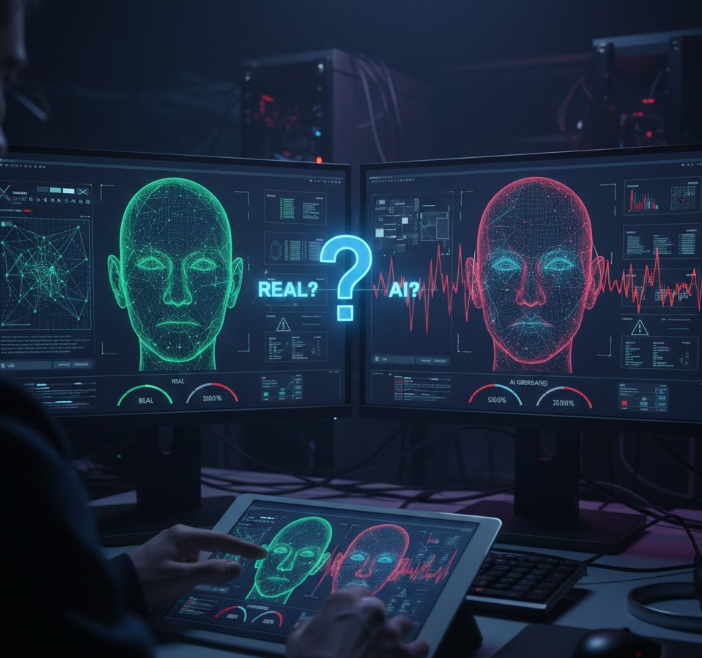
In the digital society, it is increasingly becoming challenging to know whether a picture that you have seen on the web is a real snapshot or a product of AI. As the AI tools create images that may be incredibly realistic, becoming familiar with how to identify the fakes is a skill that enables you not to be misled by the misinformation, scams or deceptive images.
The importance of Image Authenticity.
The visuals generated by AI are not only entertaining art projects but can be utilized to disseminate fake news, produce a deepfake, or falsely present some events. It has been discovered that even when researchers are asked to differentiate between authentic photos and those created by AI, they only do it right 62 percent of the time, which underscores the fact that such artificial images can be very persuasive.
Due to this reason, it is becoming significant to take time to scrutinize pictures before trusting or posting them.
- Find Technical Cues in the Picture.
The visual details of the picture are one of the simplest ways to begin with. AI frequently has issues with particular aspects that could be addressed by real photography:
Text and logos: AI tends to produce illegible, distorted, or unreadable text. The clear and meaningful sign text or labels are usually present in real photos.
Lighting and shadows: Lighting inconsistencies, inappropriate shadows, or weird reflections can identify an AI-made product.
Body and body parts: Hands, fingers and limbs can be misplaced, strange or odd in AI pictures.
They are tiny glitches, and sometimes, they are too delicate to be anything more than hints that something has been created by a computer, and not photographed through a camera.
- Check Image Data and Marks.
When you have access to the image file, it is possible to frequently examine its metadata. Actual images captured by phones or cameras tend to have information such as the model of the camera, the date of capture and the place where the picture was taken. Images generated by AI can either not contain this information or display the names of the software rather than the brand of the camera.
Also, certain AI applications place hidden watermarks in the images, and in other websites, visible ones are added that tell you that the picture was made by AI, provided that you see them, it is a good clue that the image is not taken by a real camera.
- Use Reverse Image Search
The other effective strategy is the reverse image search using the Google Lens or TinyEye. Post the picture and check whether there are the similar variants of the picture on the Internet, particularly, popular sources. In the event that the picture is not seen anywhere, or in situations that relate directly to AI art or experimentation, it is a good indication that it might be created instead of being natural.
This technique can also assist in determining the earliest time that the image had appeared, which would indicate whether the image was a result of a reputable occurrence or a trustworthy photographer.
- Think About the Context
Context is key. Real images typically have some background that can be checked out such as who took the shot, when and where. A photo with no reference, particularly in the social platforms, should be a cause to question. You should also question yourself whether what you are observing is making sense: is the scene appropriate to the event that it is meant to depict? Is the mythology surrounding it realistic?
The AI images usually paint unrealistic environments and non-realistic interactions between objects and unrealistic features that are not consistent with reality.
- Try AI Detection Tools
Specifically to assist in identifying AI images, there are now aids that are developed to assist. Applications such as AI image detectors are capable of analyzing a photograph with patterns, metadata, and generation indicators and provide a confidence rating. These are not flawless tools; however, they are useful to add an additional level of verification.
Read Also: Audeze LCD-S20 Review
News Source: Pcmag.com