
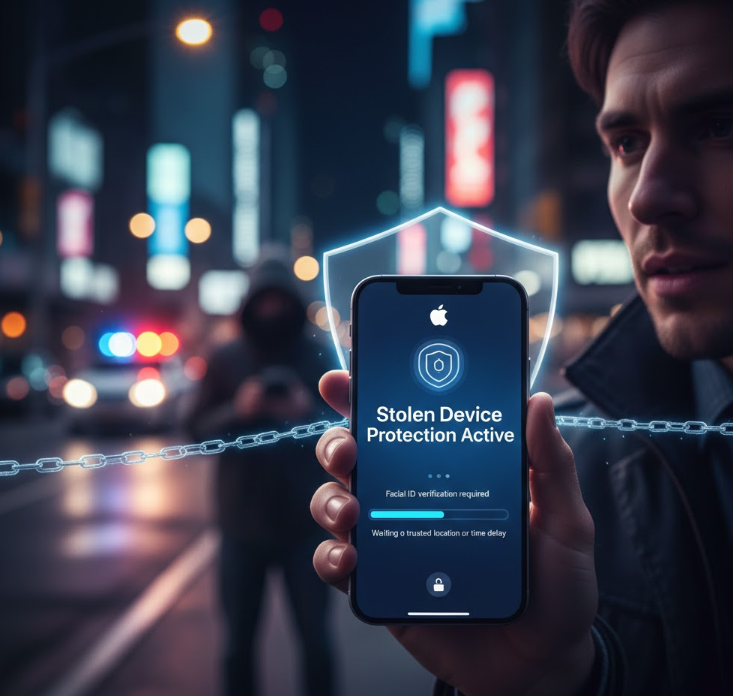
Apple introduces a major security improvement through its Stolen Device Protection feature which protects iPhones from security threats. This new setting makes iPhones less vulnerable to attacks when someone else obtains the device even if they possess your passcode. The system uses existing encryption and protections found on Apple devices to create new defenses against both thieves and cyber attackers.
The update becomes available in all iOS versions after iOS 17.3 while Apple plans to automatically activate the safety features on all eligible iPhones in the future.
The Importance Of Actual Authentication Beyond The Standard Passcode
A thief who knows the owner’s passcode can access personal data on the stolen iPhone according to standard device protection rules. Thieves could acquire passwords saved in Keychain and Apple ID settings which they could use to access both accounts and wipe the device.
Apple provides additional authentication methods through Stolen Device Protection which requires users to verify their identity:
Users must verify their identity through biometric methods which include Face ID or Touch ID because these methods do not allow access through standard passcode entry.
The system requires users to wait one hour for both password changes and biometric verification before allowing them to make Apple ID password changes or device passcode adjustments.
Thieves who learn your passcode cannot perform system modifications or gain access to your most protected information without your biometric ID verification.
What Activities Receive Additional Security Measures
Thieves find it difficult to perform common activities on stolen phones when Stolen Device Protection operates because their phone sits outside their home or work location. The following activities become harder for thieves to perform:
Accessing saved passwords and credit cards stored on your device.
Deactivating the Lost Mode function through Find My application.
The process for erasing all content and settings from the iPhone requires users to complete the procedure.
Modifying your Apple Account password and trusted device settings.
For these actions, Apple requires users to prove their identity through biometric methods while establishing a waiting period which allows users to protect their device through Find My or report it lost.
The Stolen Device Protection system requires users to meet these requirements before they can use it on their iPhone.
You must have the following for Stolen Device Protection on your iPhone:
Your iPhone needs to run iOS 17.3 or later for Stolen Device Protection.
You must have your Apple ID set up for two-factor authentication.
Your system needs to have both Face ID and Touch ID working along with your device passcode.
Find My needs to be active on your device.
You can activate the feature through Settings ➝ Face ID & Passcode (or Touch ID & Passcode) by selecting Stolen Device Protection to turn it on. From there, you can choose whether the extra protections apply only outside familiar locations or always — wherever you are.
The system maintains its protective functions through the entire iPhone usage cycle which begins with device activation and proceeds through all system updates until you decide to change your trusted location preferences through “Always” settings.
The Modern Defense System Against Increasing Theft Threats
Mobile users globally face two major ongoing security problems which involve phone theft and account takeover attacks. Thieves who observe passcodes in public areas use this knowledge to lock owners out of their accounts while they manage to steal private information. The security system introduced by Apple through its Stolen Device Protection makes it more difficult for criminals to use stolen devices while giving owners extra time to protect their accounts.
The security system provides substantial protection against data breaches because it builds on Apple’s commitment to strong encryption and privacy protection. The system protects personal data from unauthorized access on devices which thieves have taken.
Read Also: Samsung Unpacked Promises Big Upgrades For Galaxy S26
News Source: PCmag.com

