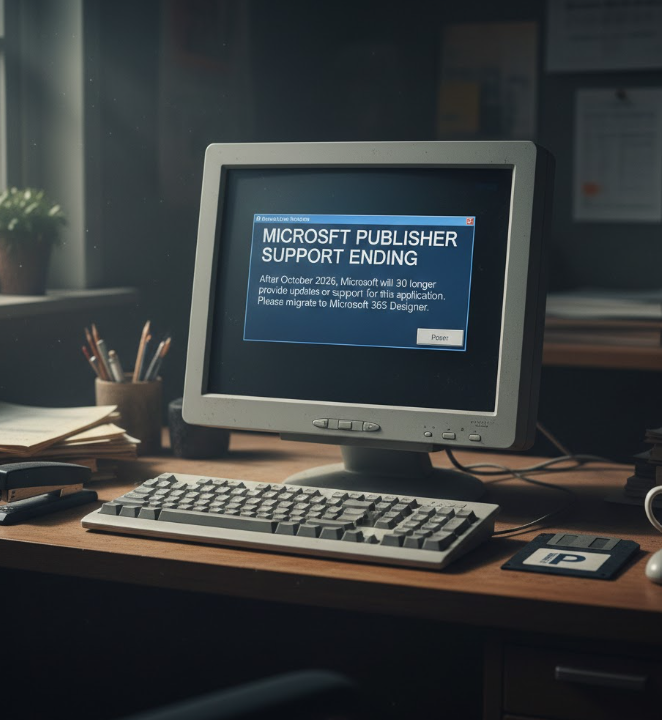
Microsoft has announced that Publisher, the long-standing desktop publishing tool included in Microsoft 365 and Office suites, will be retired in October 2026 and removed from future Microsoft 365 plans. After this date, Publisher won’t be supported, updated or installable through Microsoft 365, marking an end to a program that first launched in 1991 for creating newsletters, brochures, flyers and other graphic documents. Existing standalone versions will also lose technical support at that time.
Publisher Files May Become Harder To Maintain Long-Term
Until October 1, 2026, you’ll still be able to run Publisher and open your .pub files as usual. But after that deadline, Microsoft 365 subscribers won’t be able to open or edit Publisher files in the app, and perpetual versions will also stop receiving support. To avoid losing access to important files later, experts recommend converting your publications to PDF or another editable format ahead of the cutoff.
Built-In Office Tools Can Replace Many Publisher Features Now
Microsoft says many tasks previously done in Publisher — like designing layouts, brochures, labels or calendars — are already supported in other Office apps. Microsoft Word can handle text and layout work, PowerPoint offers flexible design and template capabilities, and Microsoft Designer brings AI-assisted layout tools for visually rich content. These built-in alternatives can help users transition without paying for new software.
Third-Party Publishing Tools Provide Strong Alternatives Too
If you need capabilities beyond what Word, PowerPoint, or Designer offer, there are several third-party platforms worth considering. Popular professional tools like Adobe InDesign provide advanced layout and publishing features for print or digital distribution, while Affinity Publisher is a powerful one-time-purchase alternative with flexible design tools. Free or open-source office suites like LibreOffice and Scribus may also work for many basic publishing workflows.
Convert And Backup Publisher Documents Before Deadline
Before Publisher is retired, it’s wise to prepare your existing documents by converting them to formats that can be accessed after support ends. PDF conversion is ideal for finalized materials you won’t edit further, while exporting to Word (.docx) preserves editable content in a familiar tool. Waiting too long may force rushed conversions and loss of layout fidelity, so acting now ensures you retain full control over your content.
Why Microsoft Is Retiring Publisher Now And Future Plans
Microsoft has explained that the retirement of Publisher is part of a broader strategy to streamline its products and focus development resources on widely used tools. Many of Publisher’s core tasks overlap with newer applications like Word, PowerPoint, and Designer, which receive active updates and cloud integration. The shift reflects how document creation and content design have evolved with collaboration and AI-assisted features.
Getting Comfortable With New Tools Takes Time And Practice
Transitioning away from a familiar publishing tool can be challenging, especially for smaller organizations or users who rely on Publisher for routine tasks. Starting early with alternatives helps ease the learning curve: migrating layouts to Word or PowerPoint, experimenting with templates in Designer, or training on more advanced programs like InDesign or Affinity Publisher gives you flexibility long after Publisher is gone.
Conclusion: Act Now To Avoid Disruption Later
With Microsoft Publisher’s retirement date set for October 2026, now is the time to plan your next steps. Whether that means adopting built-in Office tools, switching to third-party publishing programs, or converting your existing files to more future-proof formats, a proactive approach will help you maintain productivity and preserve your work without interruption.
News Source:
You May like: Samsung Unpacked Promises Big Upgrades For Galaxy S26