
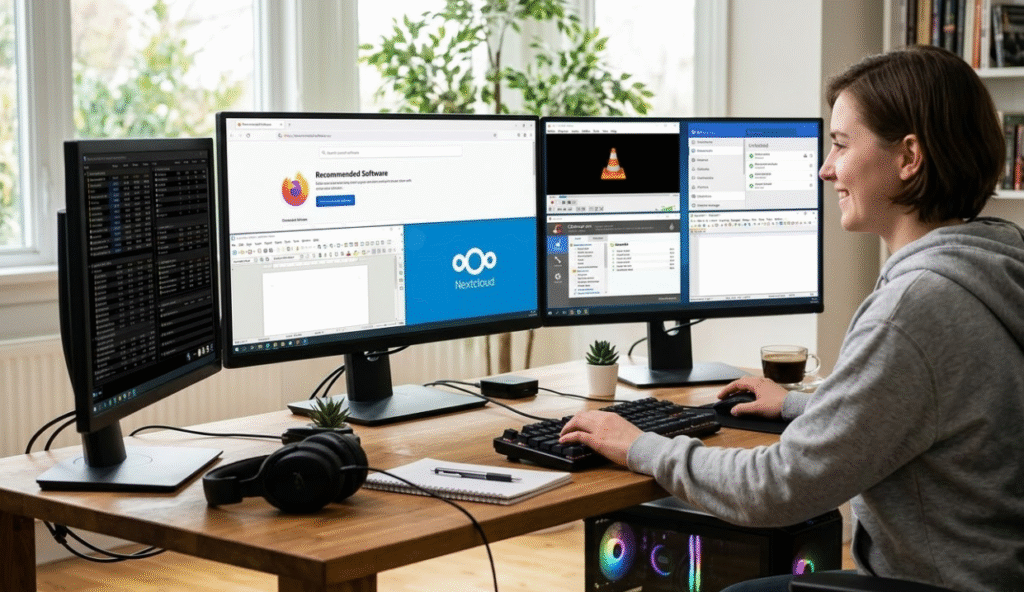
Free software remains one of the best ways to expand your PC’s capabilities without spending money. While paid programs often include advanced features, many free tools offer powerful functionality that rivals premium apps. Technology editors frequently highlight these programs because they provide excellent performance, reliability, and usability.
A curated list of free software often includes tools for productivity, security, file management, multimedia playback, and system optimization. These apps help users complete everyday tasks such as editing documents, managing files, playing media, or maintaining system performance.
In fact, many of today’s most popular programs—like open-source utilities and browser tools—are available at no cost. These tools prove that powerful software doesn’t always need a subscription or purchase.
Productivity Tools That Replace Paid Apps
One of the biggest advantages of free software is its ability to replace expensive productivity suites. For example, LibreOffice provides a complete office package with word processing, spreadsheets, and presentations. It supports many Microsoft Office file formats and works well for students, writers, and small businesses.
Another example is Google Docs, a browser-based tool that allows users to write, edit, and collaborate on documents online. Real-time editing and automatic cloud saving make it a convenient option for teamwork and remote collaboration.
These productivity tools demonstrate how free software can compete with expensive office platforms while remaining accessible to anyone with a computer.
Powerful Utilities for Managing Your PC
Utilities are another important category in free software collections. These tools help users manage files, customize the operating system, and improve overall performance.
For instance, Microsoft PowerToys is a collection of tools designed for advanced Windows users. It includes features like window management, quick file previews, and productivity enhancements that make everyday tasks faster and more efficient.
Similarly, Ninite simplifies installing multiple programs on a new PC. Instead of downloading each app individually, users can select several programs and install them together through a single installer.
Another helpful utility is FreeFileSync, which allows users to compare folders and automatically synchronize files across different drives or computers. This tool is particularly useful for backups and file organization.
Together, these utilities make maintaining and customizing a PC far easier.
Media and Creative Software for Everyday Use
Free software isn’t limited to productivity and utilities—there are also excellent creative and multimedia tools available.
Programs like VLC Media Player allow users to play almost any video or audio format without installing additional codecs. Many free tools also support tasks such as screen recording, photo editing, and music creation.
For document handling, PDFgear offers features for viewing, editing, signing, and converting PDF files. It’s widely known as a free alternative to expensive PDF editing programs.
These creative and media tools make it easy for users to watch videos, edit documents, and create content without purchasing professional software.
Security, Backup, and System Maintenance
Keeping a PC secure and well-maintained is another area where free software excels. Security tools such as antivirus programs and password managers help protect personal data and online accounts.
Backup tools are equally important. They allow users to store copies of important files so they can recover data after a system crash or hardware failure. Many free backup solutions offer automated scheduling and cloud integration, making them practical for everyday users.
System optimization tools also help keep computers running smoothly by removing junk files and improving performance. Even built-in utilities like Microsoft PC Manager provide cleanup tools, system monitoring, and performance optimization features for Windows users.
Why These Free Tools Are Essential
The best free PC software proves that you don’t need expensive programs to get powerful features. From productivity suites and utilities to creative apps and security tools, these programs cover almost every computing need.
Whether you’re setting up a new computer or upgrading your existing system, installing the right free software can dramatically improve your experience. With dozens of high-quality tools available, users can build a complete software toolkit without spending a single dollar.
More like this: Best Phones of MWC 2026
News Source: Pcmag.com

